:no_upscale())
A New Leadership Team for Eye-Able: Oliver Berchtold Appointed CEO
Read story
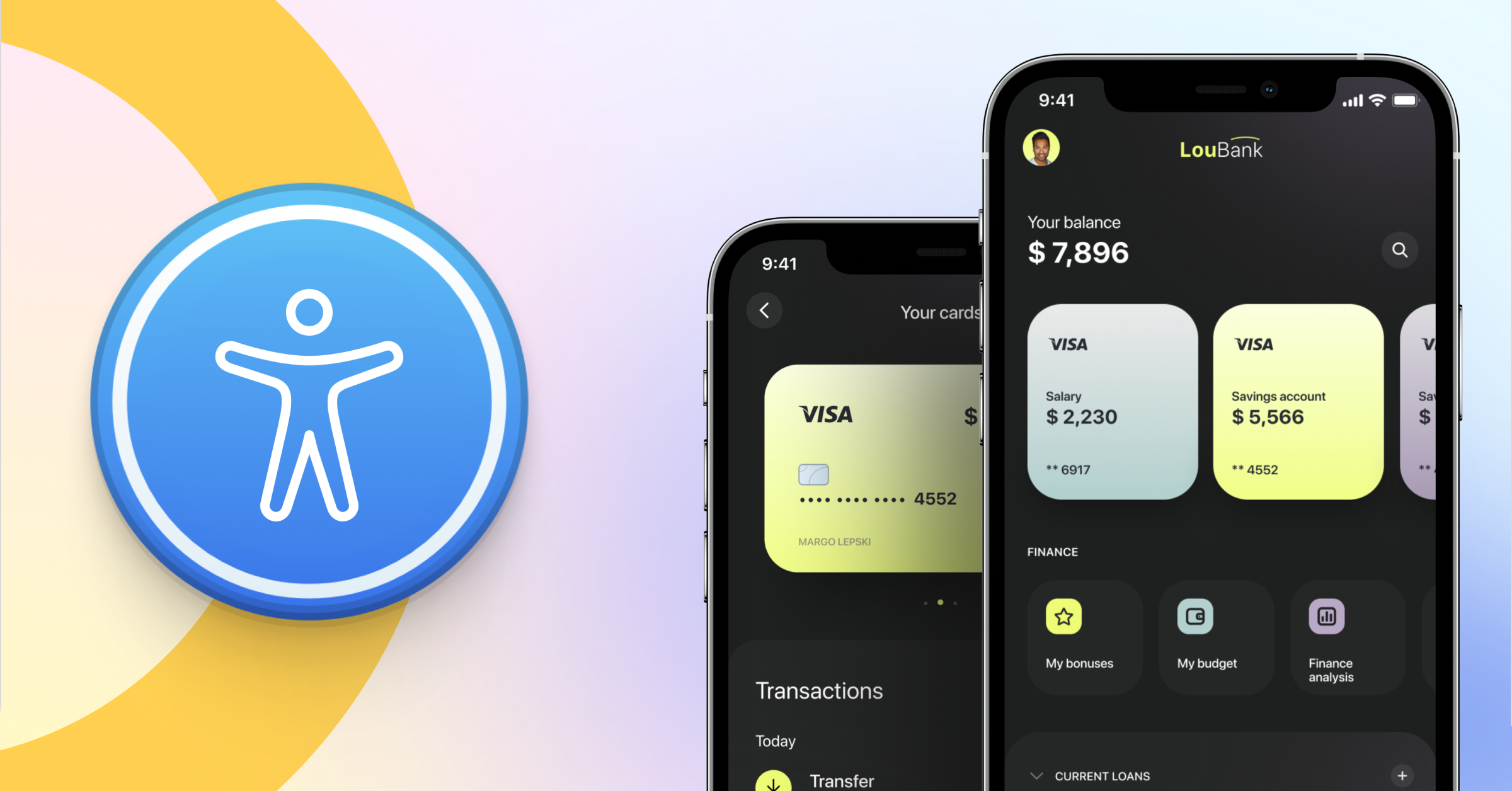 Where banking barriers become reality
Accessibility hurdles in banking manifest in very specific, everyday situations:
Inaccessible security protocols: Customers are unable to authorise payments because authentication methods (such as security codes or apps) are not compatible with assistive technologies.
Physical limitations at cash machines: Cash machines often lack tactile markers or voice-guidance functions, making basic withdrawals impossible for some.
Digital blind spots: Important documents like contracts and bank statements are frequently issued as PDFs that screen readers cannot interpret correctly.
Across europe, approximately 87 million people live with some form of disability. When you include the rapidly ageing population and those with temporary impairments, these hurdles are not exceptions—they are a daily reality for a significant portion of the population.
Financial exclusion: If a cash machine is inaccessible, basic access to cash is denied.
Failed transactions: If a security code cannot be entered, a transfer simply cannot be completed.
Loss of agency: When information is unclear or inaccessible, processes are abandoned before they have even begun.
Recent data clearly shows that these barriers directly influence provider choice: For 57% of people with disabilities, accessibility is a decisive factor when choosing banking and insurance providers.
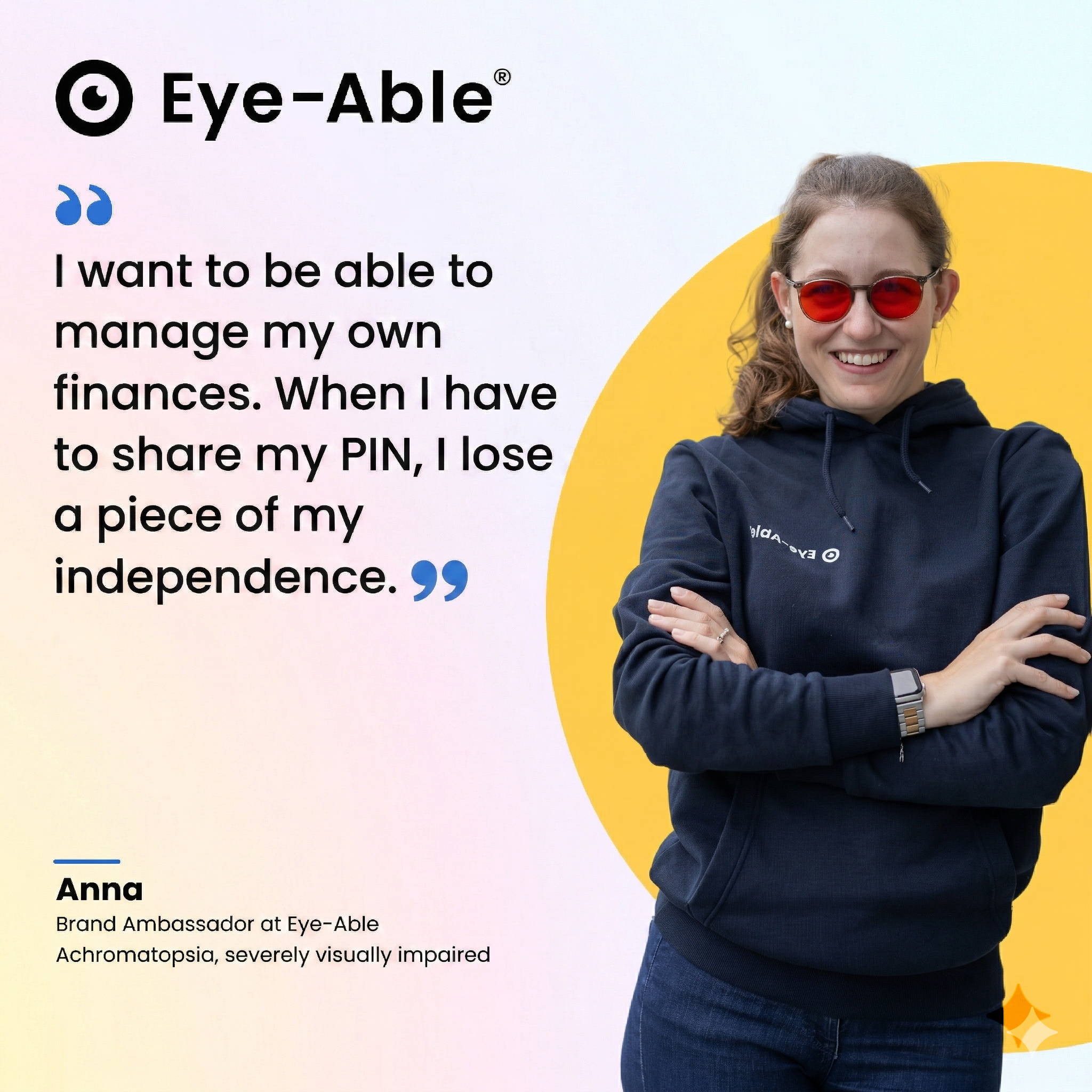 Where insurance adds complexity
The situation is even more critical in the insurance sector: filing claims, amending contracts, or submitting benefit applications often involves multiple steps and extensive documentation. If even a single part of this chain is inaccessible, the entire process grinds to a halt.
Equal access to services is not an optional extra; it is a clearly defined right. As stated in the un convention on the rights of persons with disabilities:
"Equal access to services is a prerequisite for full, effective, and equal participation in society."
For banks and insurers, this means a service is only truly usable if it can be navigated from start to finish without restrictions.
Recent data shows that this remains a widespread issue: according to the 2025 Finnoscore study, the majority of banks surveyed still fail to meet accessibility requirements. Furthermore, the average international accessibility score has actually decreased by 1.5%.
Many banks view accessibility in isolation, focusing on specific systems like the website or the app.
In practice, banking does not work this way.
A typical transaction consists of several consecutive steps: login, authentication, the transaction itself, and documentation. These steps are interconnected and are often managed by different underlying systems.
Therefore, the critical factor is not whether individual components are accessible, but whether the entire workflow functions.
The European Accessibility Act (EAA) follows exactly this approach: the user journey is evaluated as a whole, rather than its individual parts.
Problems rarely occur at a single point; they arise from the combination of steps:
The banking app is usable, but the security/authentication app is not.
The login works, but the identity verification process does not.
The transaction is successful, but the pdf document is unreadable.
As soon as one step is inaccessible, the entire process cannot be completed.
Current analysis highlights this exact pattern: many banks optimise individual interfaces or functions but neglect seamless usability across the entire process.
In these cases, the service is effectively unusable.
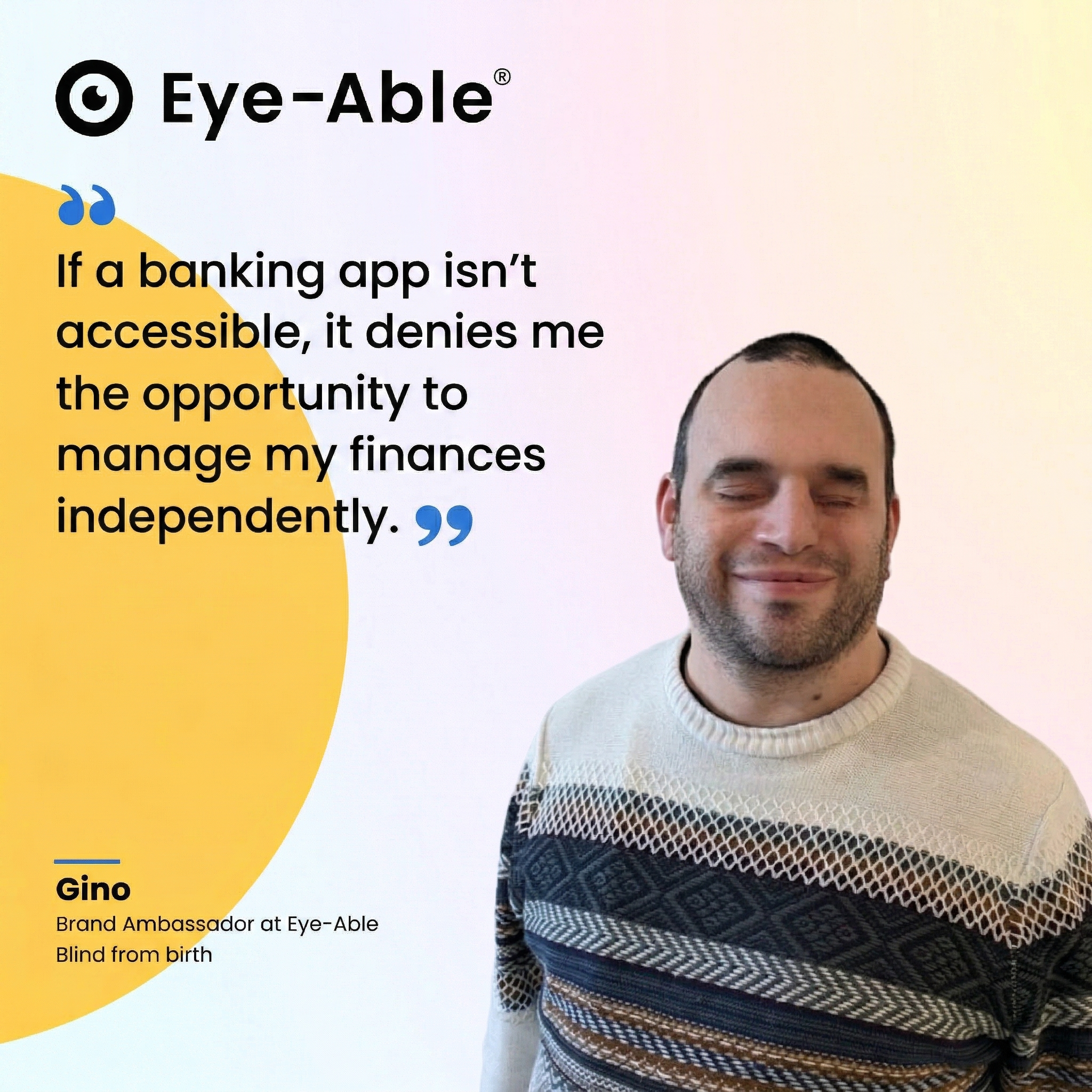 Which components are affected
A seamless banking process includes, among other things:
Mobile and online banking applications (login, transfers, account management)
Authentication methods such as security tokens or authenticator apps
Digital documents such as bank statements or contractual paperwork
Identification processes, e.g. video ident
Interactions such as forms, confirmations, and error messages
These elements are often developed and operated separately. This is exactly where the friction points emerge.
A banking service is only ever as accessible as its weakest link. If a single step fails, the entire process fails—regardless of how well the other parts are implemented.
For banks, this also has legal implications: a service is only considered accessible if it can be used in its entirety, from start to finish.
To implement accessibility reliably, it is not enough to optimise individual systems.
What is required is an approach that:
Includes all relevant touchpoints
Accounts for dependencies between systems
Makes the status centrally visible
In large organisations with multiple teams, platforms, and external service providers, this quickly becomes complex. Without central management, the very gaps that lead to unusable processes in practice will inevitably emerge.
This is why many banks rely on solutions that do not view accessibility in isolation, but map it comprehensively—from analysis and monitoring through to continuous improvement.
Such an approach allows accessibility to be managed as part of the existing system landscape, rather than being checked as an afterthought.
A frequently underestimated factor in banking is not the technology, but the language.
Many processes fail not because they are technically unusable, but because they are not understood.
Typical examples:
Unclear instructions during authentication procedures
Complex phrasing in forms
Contractual documents that are difficult to follow without specialist knowledge
When content is not clear, processes are either abandoned or completed incorrectly.
The requirements here are straightforward: essential information must be phrased so that it can be understood without additional explanation. This includes instructions, process descriptions, and all content necessary to use a service.
The EAA provides clear guidance here: content for using services should generally not exceed a B2 language level.
For banks, this means that clarity is not just an editorial detail, but a prerequisite for digital services to be usable at all.
Clear requirements govern the implementation of accessible banking services. The Web Content Accessibility Guidelines (WCAG) define international standards for accessible digital content. Within Europe, these are further detailed by the EN 301 549 standard.
The pivotal regulation for banks is the European Accessibility Act (EAA), which came into force on 28 June 2025. It mandates that private companies provide digital services accessibly. Crucially, evaluation is based not just on technical implementation, but on the actual usability of a service. This includes understandable content and clearly structured processes.
While the EAA now requires banks to ensure their digital services are accessible, there is a specific regulation that is often misinterpreted as a form of relief: existing cash machines and payment terminals may continue to be operated until the end of their economic life—in individual cases until 2040.
Many organisations conclude from this that there is no immediate pressure to act. This conclusion is problematic.
The exemption applies only to specific physical systems—not to the general usability of services. Digital processes, apps, documents, and core transactions remain subject to current requirements. The deciding factor is therefore not whether individual components are permitted to remain in operation, but whether a service can be used as a whole.
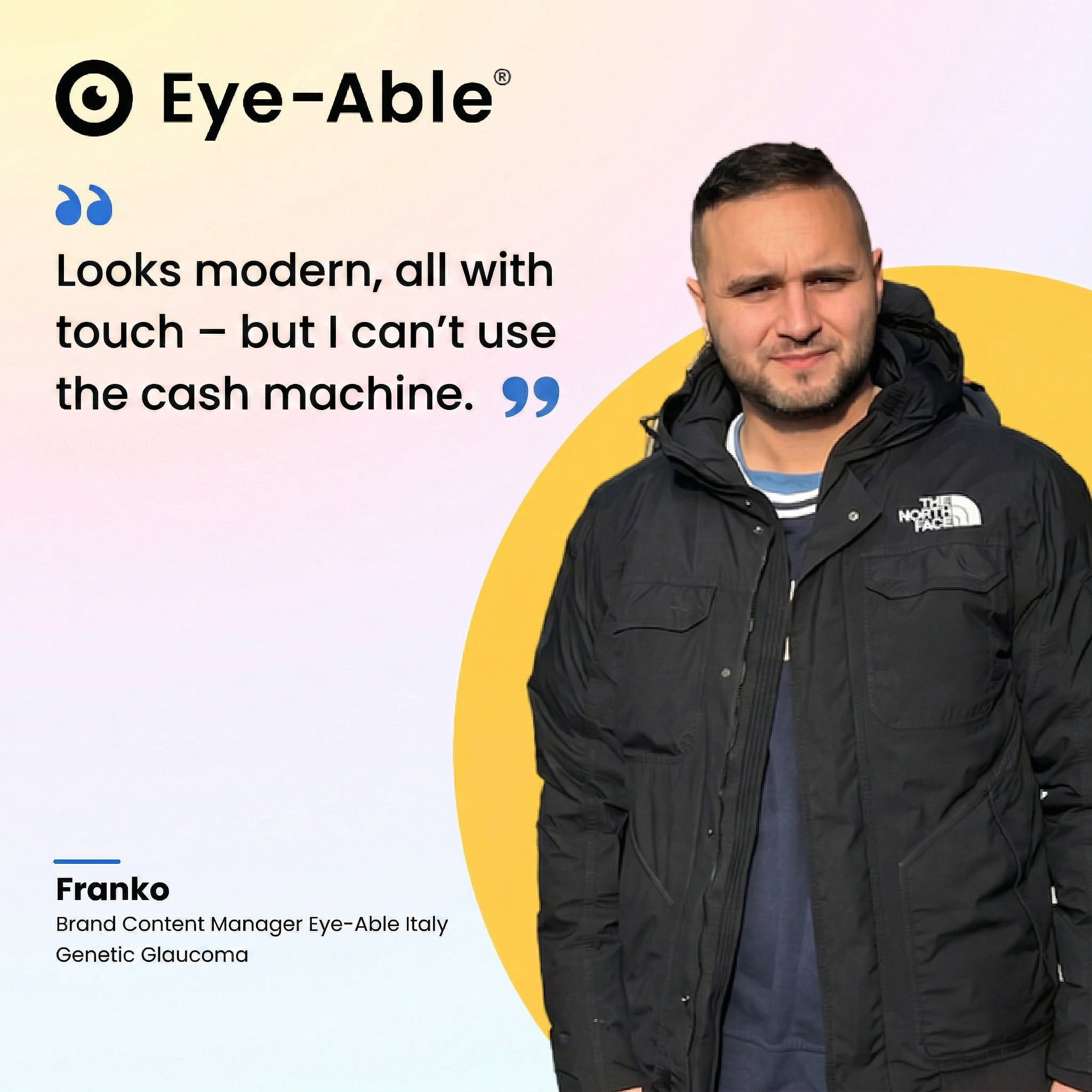 What banks need to implement now
Accessibility cannot be solved through isolated measures. The deciding factor is how the topic is anchored and managed within the organisation.
Three points are central to this:
The current status must be fully transparent. This includes evaluating all relevant channels—specifically online banking, apps, authentication methods, and documents. Individual checks are not enough; a consistent overview of all systems and how they interact is essential.
Accessibility must become a core part of the development and maintenance of digital services. This includes:
clear requirements within projects
fixed testing processes before releases
defined responsibilities within the organisation
Without this foundation, new barriers will continue to emerge, regardless of how many audits are conducted.
Banks must document their accessibility status in a traceable manner. This includes:
an up-to-date accessibility statement
documented tests and results
clear processes for handling feedback and enquiries
This is not only a regulatory requirement but also necessary for assessing your own status internally and externally.
Accessibility in banking determines whether digital services can actually be used.
The central challenges do not lie in individual requirements, but in processes, system transitions, and a lack of coordination between teams. As long as these points are ignored, even well-implemented individual measures will remain ineffective.
For banks, this means accessibility must be designed and managed as an end-to-end component of digital services—not as an afterthought.
In practice, the greatest challenge lies here: disparate systems, numerous stakeholders, and a lack of transparency regarding the overall status.
This is why organisations are increasingly relying on central solutions that map accessibility across all relevant areas—from analysis and monitoring to continuous improvement.
Eye-Able supports banks and insurers in implementing structured accessibility and making it manageable across complex system landscapes.
Let’s discuss how we can secure your digital landscape and ensure your services fully meet today's regulatory standards.
Don't let inaccessibility compromise your market reach. Evaluate your digital landscape now and bridge the gaps in your customer journey.
A New Leadership Team for Eye-Able: Oliver Berchtold Appointed CEO
Read story:no_upscale():format(png))
HubSpot drops orange: how accessibility reshaped the CRM's design
Read story:no_upscale())
AC Monza chooses Eye-Able for digital accessibility
Read story:no_upscale())
How to make your website EAA-compliant in 8 steps
Read story:no_upscale())
Looking back at the 2026 World Cup: How accessible was the tournament really?
Read story:no_upscale())
Accessibility warnings in Austria? What European businesses need to know
Read story:no_upscale())
New: Eye-Able brings digital accessibility directly into the development environment
Read story:no_upscale())
Groundbreaking new AI-powered tests come to Eye-Able Audit
Read story:no_upscale())
One year of the EAA: Where businesses still fall short
Read story:no_upscale())
No, an overlay tool doesn’t magically make a website accessible
Read story:no_upscale())
Why accessible product data improves the user experience in online shops
Read story:no_upscale())
Carrefour Case: What It Really Teaches Us About Accessibility
Read story:no_upscale():format(png))
:no_upscale():format(png))